Link your Jira issues
Link one or many personas to a Jira issue with custom fields or the built-in issue picker, then see every relevant issue in seconds.
Read the guide
Personas for Jira
Build persona profiles in Jira, link them to the issues they describe, and keep customer context where the work happens.

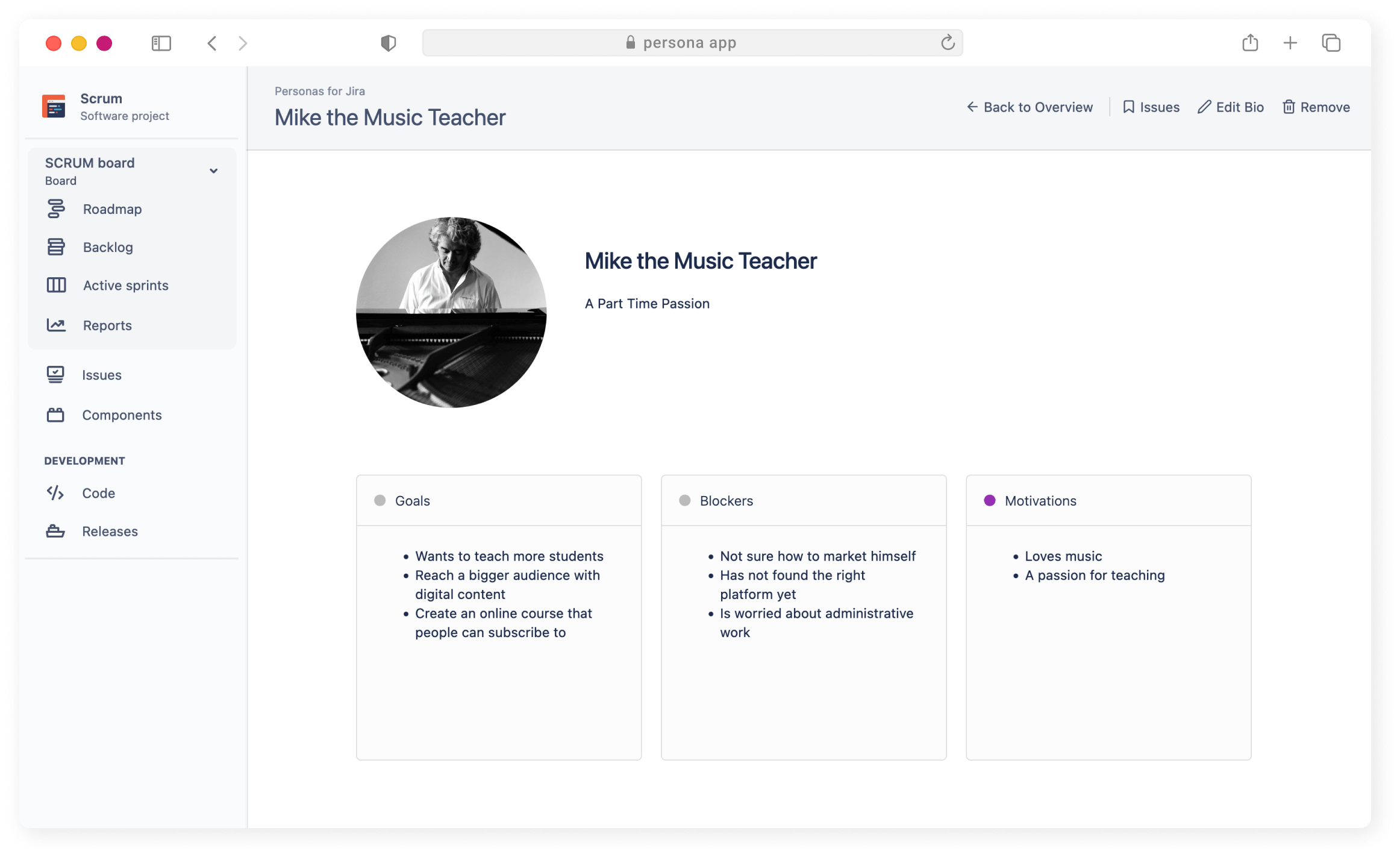
Customer context where the work happens
Keep persona profiles in Jira, connect them to the issues they describe, and help everyone plan with the customer in mind.
Link one or many personas to a Jira issue with custom fields or the built-in issue picker, then see every relevant issue in seconds.
Read the guideBuild profiles with real images or colours, and add the custom fields that matter to your team, per project or globally.
Read the guideFollow our guide to bias-free persona profiles: skip real names, use non-photographic images, and start from real data.
Read the guideFully integrated
Link one or many personas to a Jira issue using the Personas custom field or the built-in issue picker. Open a persona profile to see the issues it is connected to, or copy the generated JQL query into your own Jira searches.
See how search works

Adapts to your company
Personas ship with motivation, goals and blockers, and you can add custom fields per project or globally. Use a photo or a colour to make each profile recognisable on the issues it is linked to.
Build your first personaMore details
Enrich Jira issues with persona profiles and give your team and stakeholders added context for requirements.
Edit personas in a few clicks and manage all customer requirements in one place.
Create custom fields to capture anything you want, scoped to a project or available everywhere in Jira.
Align your team and stakeholders around customer profiles and the functionality they want.
Compatible with Story Maps for Jira and Advanced Story Maps for Jira, so you can filter the map by persona.
Use real photos to illustrate your profiles or use colours to communicate intent.
Try Personas for Jira on the Atlassian Marketplace.